
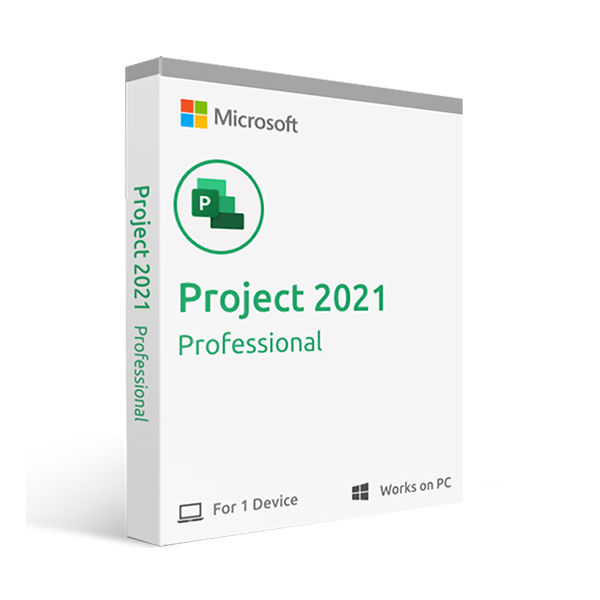
Available Languages: Multi-language
Activation Instructions:
Unlike other websites, our code works on the OFFICIAL activation website: https://setup.office.com/
The code is valid for 1 PC / 1 installation.
Get up to speed quickly with the Getting Started screen, which walks you through new features in Project. Pre-built templates help you launch your project on the right track from day one. Schedule efficiently with familiar automated scheduling tools that reduce inefficiencies and training time, while multiple timelines make it easier to visualize even the most complex schedules. Optimize your tasks with visualization tools that show how tasks relate to one another, and run what-if scenarios to make the most of your task assignments.
Key Features
- Fast Startup – The Getting Started screen walks you through basics like linking tasks and creating timelines, so you get going quickly
- Best-in-Class Templates – Start on the right track with the many pre-built templates available in Project and on Office.com
- Intuitive Search – Use the Tell Me search bar to quickly find the features you need
- Powerful Scheduling – Familiar charts and tools help you build schedules with ease and less training time
- Smart Automation – Automated features reduce inefficiencies and keep projects running smoothly
- Multiple Timelines – Visualize complex schedules with ease
- Task Optimization – Understand task relationships and run what-if scenarios

Reviews
There are no reviews yet.